Value-Add Rental Analysis on Zillow (Without Leaving the Listing)
Underwrite value-add and BRRRR deals on Zillow: model rehab costs, after-repair rent, and stabilized returns in Realy without switching to a spreadsheet.
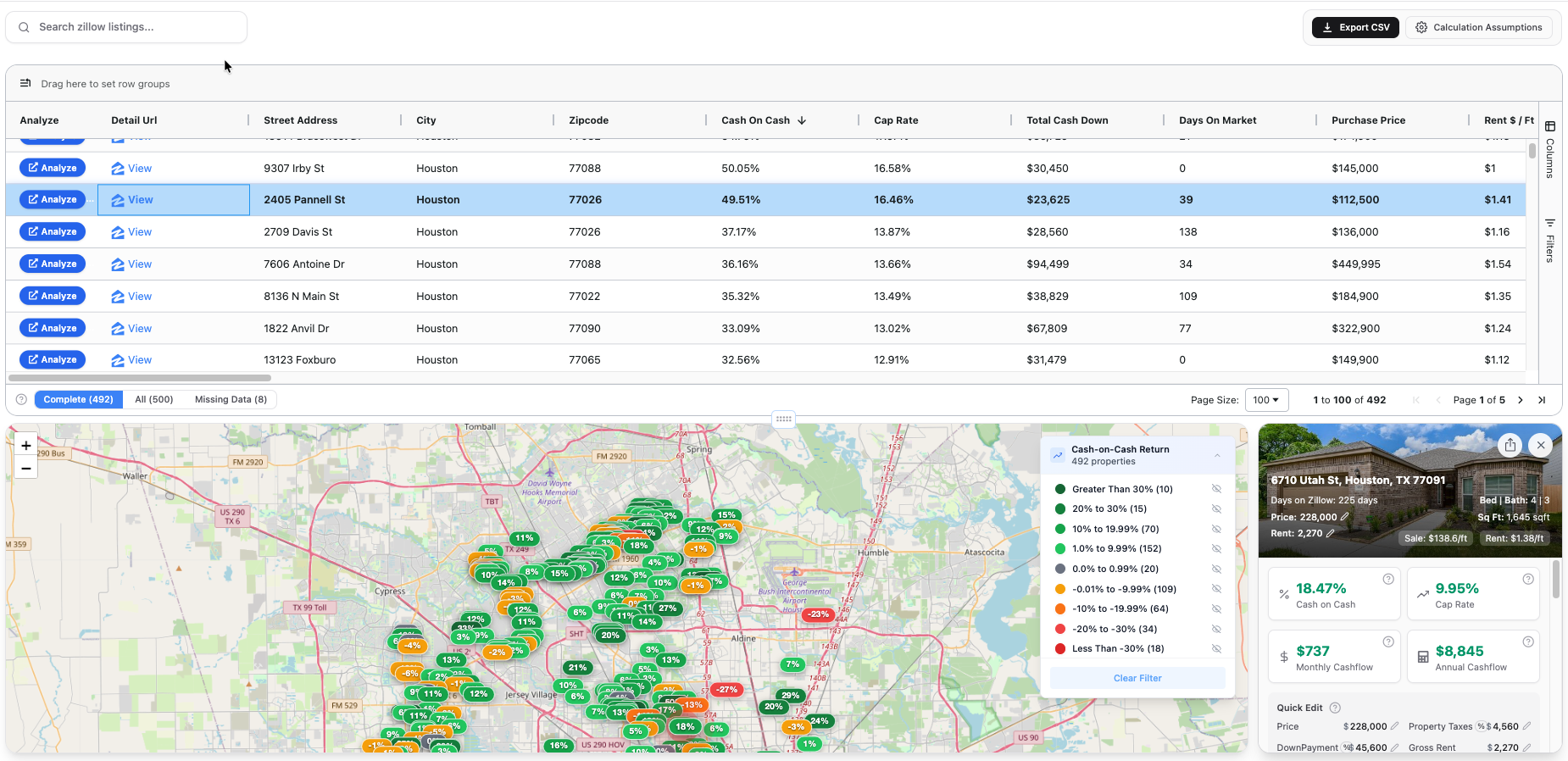
Value-add investing means buying below stabilized value, improving the asset, and raising rent. On Zillow, those deals often look terrible at current rent and great at post-rehab rent, if you model both correctly.
Realy lets you enter renovation and rent assumptions without leaving the listing.
Value-Add vs. Turnkey Metrics
| Phase | Focus metric |
|---|---|
| As-is (purchase) | Often low cap rate, expected |
| Stabilized (post-rehab) | Target cap rate + CoC |
| All-in basis | Purchase + rehab + holding |
All-In Cost = Purchase Price + Closing Costs + Renovation
Stabilized Cap Rate = Stabilized NOI ÷ ARV (or all-in cost)
See also: BRRRR on Zillow guide.
Step 1: Spot Value-Add on Zillow
Listing signals:
- "Fixer," "investor special," "needs TLC"
- Below-neighborhood price per sqft
- Dated photos but solid location
- Long days on market + price cuts
- Rent Zestimate below what renovated comps fetch
Open Realy analyzer on the search page to find low price/sqft outliers with strong rent/sqft potential (rent-to-price ratio).
Step 2: Model As-Is in Realy (Baseline)
Use current Rent Zestimate and zero renovation first:
- Note as-is cap rate and CoC (often unimpressive)
- This is your "do nothing" scenario
Default assumptions: 20% down, 1% closing, 6.5%, 2% tax.
Step 3: Add Renovation in Assumptions
Realy supports renovation as:
- $ lump sum (total rehab budget)
- $ per sqft × living area
Renovation Total = Renovation $/sqft × Living Area
Total Cash Down = Down Payment + Closing Costs + Renovation
Total Property Cost = Purchase Price + Closing Costs + Renovation
Loaded Cap Rate = NOI ÷ Total Property Cost
Example: $109,900 purchase · 1,296 sqft · $25/sqft rehab
Renovation = $32,400
Total cash down ≈ $54,000 (with 20% down + 1% closing)
Step 4: Adjust Rent to Stabilized
Replace Rent Zestimate with post-renovation comp rent:
- Search Zillow for renovated rentals nearby
- Use PM rent estimate
- Enter new monthly rent in Realy
Watch stabilized NOI, cap rate, and CoC update instantly.
Step 5: Evaluate the Spread
| Scenario | Cap rate | CoC | Monthly CF |
|---|---|---|---|
| As-is | 8% | 2% | −$150 |
| Stabilized | 14% | 18% | +$650 |
If stabilized numbers don't clear your hurdle after realistic rehab budget, pass, no matter how good the photos could look.
Step 6: BRRRR Overlay (Optional)
If refinancing out capital:
- Model stabilized NOI for lender DSCR
- Estimate ARV from sold comps (not Zestimate alone)
- Target cash left in deal post-refi
Full BRRRR framework: BRRRR on Zillow.
Value-Add Red Flags
- Rehab estimate too low (always add 10–20% contingency)
- ARV from Zestimate without sold comp support
- City permit / certificate of occupancy issues
- Structural issues visible in listing photos
Run Value-Add Analysis Without Leaving Zillow
- Listing page → Realy mini side panel
- Calculator icon → set renovation $/sqft or lump sum
- Override rent to stabilized comp
- Check loaded cap rate (uses total property cost)
- Detailed analysis for full report
Ready to analyze deals faster?
Download Realy for free, or share this with an investor friend.